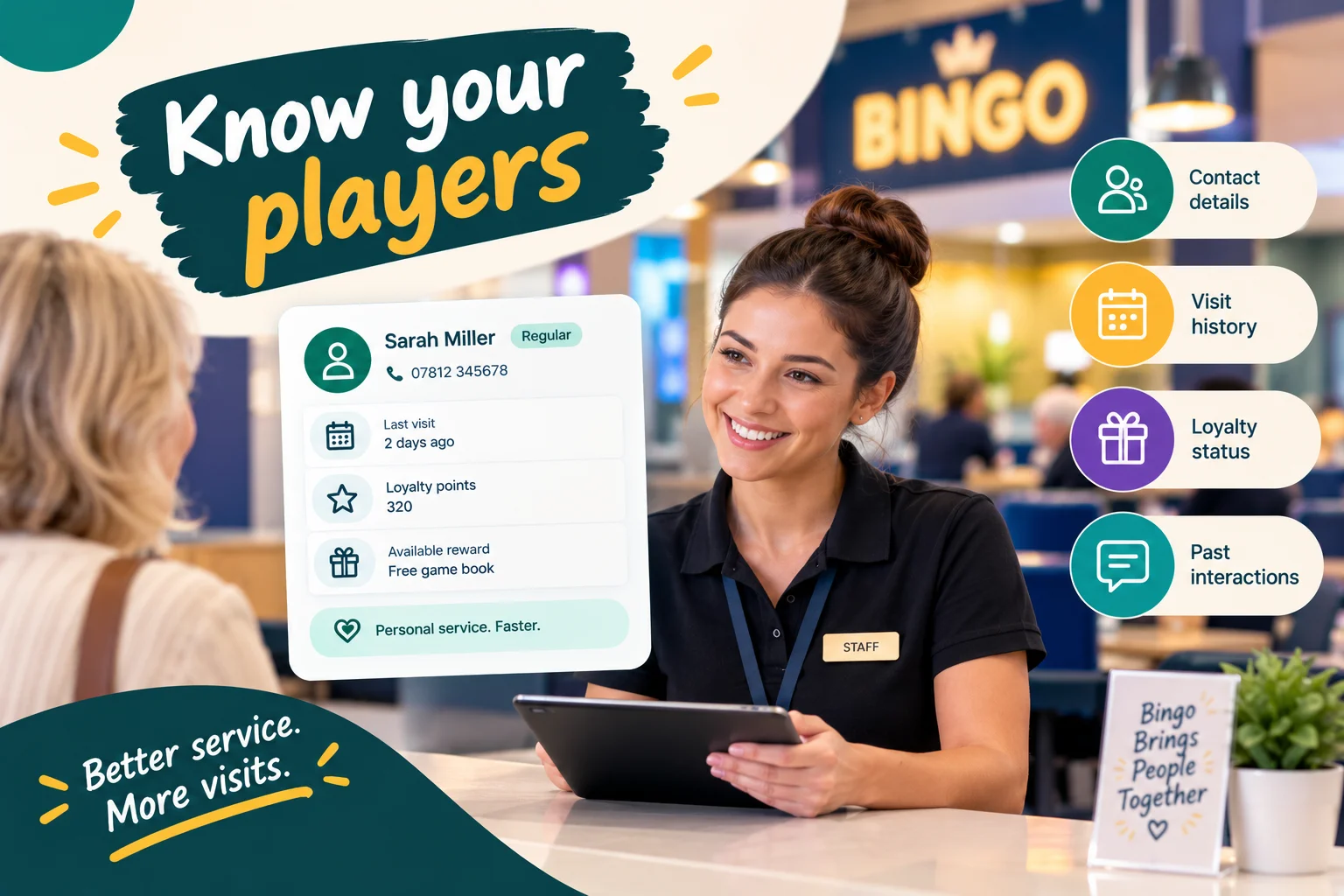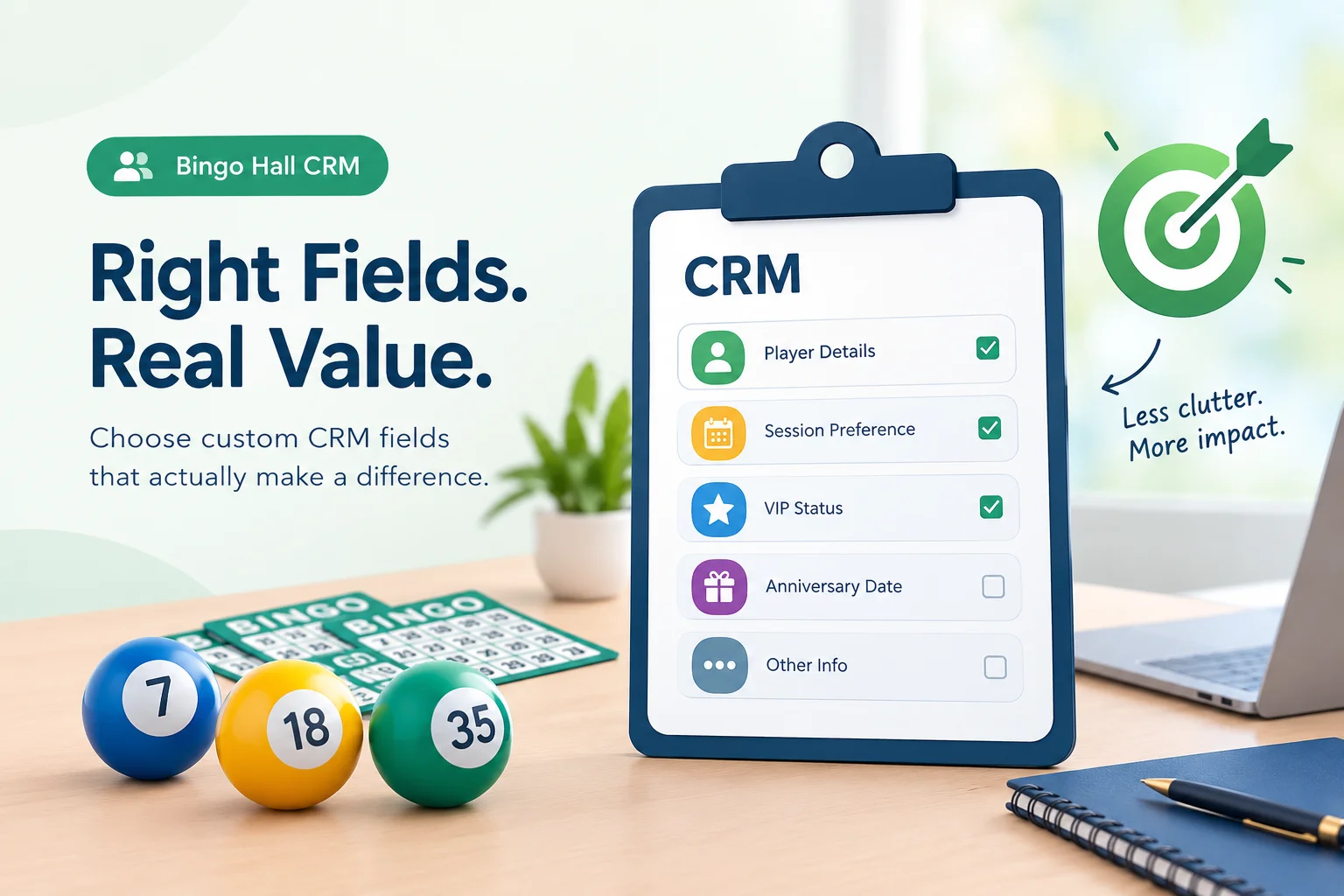
Every new CRM field sounds useful when you first think of it.
A field for preferred session times could help staff plan communications. A membership anniversary date might support a recognition campaign. A VIP status field could make it easier to identify players who receive a particular level of service.
Then the list grows. Someone requests another field for an upcoming campaign, another employee wants to preserve information from an old spreadsheet, and the manager adds a few details that might be useful someday.
Eventually, staff face a different problem: too many fields, inconsistent records, and information nobody remembers to update.
For bingo hall operators, the answer is not to capture every possible detail about every player. It is to decide which information supports a real operational need and which can wait.
The best custom CRM fields are the ones that help your hall make a decision, complete a task, or improve a player's experience. Everything else should justify the time and effort required to maintain it.
Start With the Decision, Not the Field
When someone proposes a new CRM field, the natural response is often to ask what information it should contain. A better starting point is to ask what the hall intends to do with that information.
Consider these examples:
- A preferred session field might help staff provide relevant information about upcoming games.
- A membership reference field might help resolve enquiries about older membership records.
- A membership anniversary field might support a recognition campaign.
- A favourite colour field might be interesting, but it may have no clear operational use.
The distinction is not whether a field contains useful-sounding information. It is whether the information changes what the team can reasonably do.
Before creating a field, complete this sentence:
We need to record this information because it will help us __________.
If the answer is specific, measurable, or connected to a recurring task, the field deserves consideration. If the answer is simply "it might come in handy," put it on a later-review list rather than adding it immediately.
This small change in approach can prevent a CRM from becoming a collection of disconnected facts.
The Three Categories Every Proposed Field Should Pass Through
Instead of treating every request as a yes-or-no decision, sort proposed fields into three categories.
Category 1: Essential for operations
These are fields that solve an existing problem or support a necessary workflow.
For example, a hall migrating from an older membership database may need to preserve legacy membership numbers so staff can locate historical records. If that identifier is used regularly, storing it in a structured field can reduce manual lookups and confusion.
Other essential fields might include a locally required membership classification or a player preference that staff needs to fulfil an agreed service arrangement.
A field belongs here when not having it creates repeated work, avoidable errors, or a meaningful gap in service.
Category 2: Useful when linked to a defined activity
These fields can create value, but only if the hall has a clear process for using them.
A membership anniversary date is a good example. Recording the date alone does not improve the player experience. The information becomes useful when the hall has a suitable recognition process, a clear owner, and a way to identify relevant upcoming anniversaries.
Similarly, a preferred session field becomes more valuable when staff or marketing teams can use it to provide relevant information, assuming the CRM supports the required search or segmentation workflow.
These fields are worth implementing when the team is ready to use them—not simply because the information can be collected.
Category 3: Nice-to-have or speculative
These are fields that sound interesting but lack a current purpose.
Perhaps a staff member wants to record a player's favourite game colour, a general interest, or another detail that nobody has connected to a service process or campaign.
Such information is not automatically worthless. A future programme might create a legitimate use for it. But until that use exists, collecting the information adds work without a clear return.
Keep these suggestions documented, then revisit them when a genuine requirement emerges.
A Practical Way to Score New CRM Fields
When multiple teams request new fields, personal preference can quickly dominate the discussion. A simple scoring system helps operators compare proposals consistently.
Rate each proposed field from 1 to 5 against the following criteria.
| Criterion | Question to ask |
| Operational value | Does this solve a recurring problem or improve an important task? |
| Frequency of use | Will staff or an approved workflow use the information regularly? |
| Actionability | Can the hall take a clear action based on the value recorded? |
| Data reliability | Can the information be collected and maintained accurately? |
| Maintenance effort | How much work will it take to keep the field current? |
For the maintenance criterion, a higher score should mean less effort or an easier process.
You can total the scores to create an initial comparison, but do not treat the result as an automatic approval. A field involving sensitive information, for example, may require additional review regardless of its score.
The system is most useful for comparing fields that are otherwise difficult to prioritise.
Example: Two fields, two different priorities
Imagine a hall is considering these proposals.
Proposal A: Legacy membership number
Staff regularly need this identifier when answering membership questions. It can be imported from existing records, and the team knows exactly how it will be used.
Proposal B: General player interests
The marketing team thinks these details might help personalise future messages, but no specific campaign or collection process has been defined.
Proposal A has an established operational purpose and a clear owner. Proposal B may be worth exploring later, but its value remains uncertain.
The sensible choice is to implement Proposal A first and revisit Proposal B after identifying a legitimate use case.
Which Custom Fields Are Usually Worth Considering?
The right field set varies by venue, but several categories are often worth evaluating.
JustKonnect's Custom CRM Fields feature is designed to accommodate details that are specific to a bingo hall, including player preferences, membership information, and relevant service requirements.
1. Membership identifiers and classifications
Typical priority: High when they support daily operations
A hall may have membership numbers from an older system, locally defined membership categories, or a specific classification that staff need to reference.
These fields can be valuable because they solve a concrete record-management problem. They may also help staff identify the right membership group when the CRM supports filtering by the relevant value.
Before creating a new field, check whether the information already exists in a standard profile field. Duplicating an existing value can create confusion if one record is updated and the other is not.
2. Player-selected session preferences
Typical priority: Medium to high, depending on how the hall uses them
A player may prefer particular session days or times. Recording that preference can help staff organise relevant communications or answer questions more effectively.
However, a preference is not a promise of attendance. A player who selects Friday evening may also attend on other days or change their routine.
Use the field to improve relevance, not to make assumptions about behaviour.
If attendance analysis is the real objective, use the hall's attendance records and visit-frequency data where available. A manually recorded preference should not replace actual attendance information.
3. Membership anniversaries and relevant milestones
Typical priority: Medium when a recognition process exists
A milestone date can help a hall identify opportunities to acknowledge long-standing members.
The field is most useful when the venue has decided what recognition looks like, who manages it, and how the team will avoid sending inappropriate or duplicate messages.
If the date will be used in automated campaigns, confirm that the platform supports the required date-based rules and that the information is accurate.
Without that workflow, the field may simply become another date that staff rarely consult.
4. Service preferences and accessibility information
Typical priority: Based on a genuine service requirement
Information such as a preferred seat or a requested service arrangement can help staff prepare for a player's visit.
But this category requires particular care. Some information about health, dietary restrictions, or accessibility may be sensitive. A hall should collect only what it genuinely needs, explain the purpose, limit access appropriately, and establish a process for correcting outdated information.
A useful field improves service while respecting the player's privacy. It should never become an invitation to collect personal details without a clear reason.
5. Campaign-specific information
Typical priority: Only when a defined campaign requires it
Sometimes the marketing team needs a field to support a particular programme or audience.
Before adding it, ask whether the required information can already be derived from existing attendance, loyalty, consent, or engagement data.
For example, if the objective is to identify players who have not attended recently, a manually maintained "inactive player" field may be unnecessary when the CRM can segment players using their last-visit date.
A custom field is appropriate when it captures information that cannot be reliably derived from existing records and has a defined role in the campaign.
Know When a Standard CRM Field Is Better Than a Custom One
Customisation should fill gaps, not duplicate the system's existing capabilities.
Suppose a manager wants to know when each player last attended. Creating a custom date field and asking staff to update it after every session might appear straightforward.
But if the CRM already records session attendance and maintains the last-visit date, the custom field creates an unnecessary second source of information.
The same principle applies to other standard data, including contact details, communication consent, loyalty balances, and visit frequency.
JustKonnect's platform includes player profiles and attendance-oriented CRM capabilities, with related features for segmentation and analytics. Before adding a custom field, check whether the information already exists in the relevant player record or can be accessed through a supported report or segment.
A useful rule is:
- Use a standard field when the system already captures the information correctly.
- Use a custom field when the hall needs to record a distinct, venue-specific detail.
- Use a derived metric or supported segment when the answer can be calculated from existing data.
This avoids duplicate records, unnecessary data entry, and conflicting values.
The Hidden Cost of a Field Nobody Maintains
The initial act of creating a field is usually the easy part. The ongoing cost comes from keeping it accurate.
Imagine a hall introduces a "Preferred Session" field. Some employees enter "Friday," others enter "Friday evening," and others leave the field blank. A few players change their preference, but nobody updates their record.
The field still exists, but its reliability has declined.
This creates three problems.
First, staff may spend time correcting records before they can use the data. Second, filters or segments may exclude players whose preferences were entered inconsistently. Third, the hall may make decisions based on information that no longer reflects reality.
Every approved field should therefore have a maintenance plan.
Determine who records the information, when it should be updated, whether the player can correct it, and how outdated values will be reviewed. Where supported, use imports or connected workflows to reduce repetitive manual entry.
If the hall cannot maintain the information reliably, reconsider whether the field should be collected at all.
Design Fields Around How Staff Will Enter the Information
A field can have a legitimate purpose and still fail because it is difficult to use.
Choosing the right field type makes a difference.
| Field type | Best suited to | Example |
| Text | A value that needs free-form entry | Legacy membership reference |
| Dropdown | One choice from a defined set | Membership category |
| Date | A specific calendar date | Membership anniversary |
| Checkbox | A clearly defined yes-or-no condition | A simple operational flag |
Use a dropdown when the possible answers are known and consistency matters. Use text when the value genuinely varies. Use dates for calendar information rather than placing dates inside notes.
For a checkbox, make the label precise enough that staff understand what ticking it means. A vague label such as "Special" is less useful than a clearly defined operational condition.
The field should also have a simple explanation of when it should be completed. Staff should not have to guess what information belongs in it.
A Field Is Only Valuable if the Team Can Use It
Once a custom field has been created, the next question is how it will fit into daily work.
A field that cannot be searched, filtered, reported on, or used in a relevant workflow may still serve a legitimate reference purpose. But if the goal is segmentation or campaign targeting, operators should verify that the necessary functionality is supported.
JustKonnect's Custom CRM Fields feature allows custom information to be added to player profiles and used in supported searches, segments, and campaigns. The platform's wider CRM and customer features also cover player profiles, customer segmentation, and behaviour analytics.
Consider a hall that records a membership category because it wants to send an invitation to a particular eligible group.
The field has value only if staff can reliably identify that group, the records are accurate, and the campaign respects communication permissions and preferences.
After the campaign, the hall can review delivery, engagement, and attendance where the relevant data is available. It should not assume that the field itself caused any change in attendance.
This is how custom data becomes part of an operational process rather than a static database entry.
A Simple Approval Process for Every New Field
To prevent the CRM from expanding without direction, use the same approval questions whenever a new field is proposed.
Step 1: Identify the problem. What recurring task, service issue, or reporting gap does the field address?
Step 2: Check existing data. Can the answer already be found in the player profile, attendance history, loyalty records, or another reliable source?
Step 3: Define the action. Who will use the field, and what will they do differently because the information is available?
Step 4: Choose the format. Select a field type that encourages accurate and consistent entry.
Step 5: Assign responsibility. Identify who owns the field and how it will be maintained.
Step 6: Review privacy and access. Confirm that the information is necessary and that access is appropriate, particularly if it is sensitive.
Step 7: Test before expanding. Introduce the field into a real workflow and review whether it is being used as intended.
Step 8: Remove or revise when necessary. If the purpose disappears or the field proves unreliable, update the process rather than allowing the information to accumulate indefinitely.
This approach creates a repeatable decision process that can be used by managers, marketing teams, membership staff, and anyone responsible for maintaining player records.
Frequently Asked Questions
How many custom CRM fields should a bingo hall have?
There is no ideal number. The right amount depends on the hall's operational needs, membership arrangements, and service processes. Start with fields that solve established problems, then add more when a clear use case emerges.
What is the difference between an essential field and a nice-to-have?
An essential field supports a necessary or recurring task and creates a clear operational benefit. A nice-to-have field may be interesting but has no defined current use. Nice-to-have fields can be reconsidered later when the hall has a specific reason to collect the information.
Should a bingo hall create custom fields for attendance tracking?
Not if the CRM already captures attendance and provides the required visit metrics. Use existing attendance records, last-visit information, or supported segments wherever possible. Custom fields are better suited to additional details that the standard system does not capture.
Can custom CRM fields improve player retention?
They can support retention efforts by helping operators organise relevant player information and build more appropriate service or communication workflows. Retention outcomes depend on many factors, so halls should measure results rather than assume that adding fields will increase attendance.
Which custom field type should I use?
Use text for variable entries, dropdowns for predefined categories, dates for calendar information, and checkboxes for clearly defined yes-or-no conditions. The choice should reflect how the data will be collected, maintained, searched, and used.
Should sensitive player information be stored in custom fields?
Only when the hall has a legitimate reason to collect it and can handle it appropriately. Minimise collection, explain the purpose, restrict access, and establish a process for keeping the information accurate. Sensitive information may require additional safeguards.
How often should a hall review its custom CRM fields?
Review fields periodically and whenever operational processes change. Check whether each field still serves a purpose, whether staff use it consistently, whether values remain accurate, and whether it can be removed or replaced by information already available elsewhere.
Build a CRM That Collects Less Noise and Delivers More Value
A well-organised CRM is not the one with the longest list of fields. It is the one that gives staff reliable information when they need it, supports decisions that matter, and avoids creating unnecessary administrative work.
Start with the questions your hall needs to answer. Identify the missing information, confirm that it cannot already be obtained from existing records, and define how the team will use and maintain it.
That process helps separate essential data from attractive distractions.
If your hall needs a more flexible way to record venue-specific player information, explore JustKonnect's Custom CRM Fields. Build your player records around genuine operational needs, and make every field earn its place.